Link. Snap. Save.
Share a recipe from Safari, choose screenshots, scan a cookbook page, paste text, or import a PDF.
 ConditaRecipe keeper
Good recipes deserve a home
The link you saved. The page you photographed. The screenshot you kept. Bring them into Condita, and turn “one day” into dinner.
Made for iPhone & iPad · iOS 26 or later
01 / From somewhere to one place
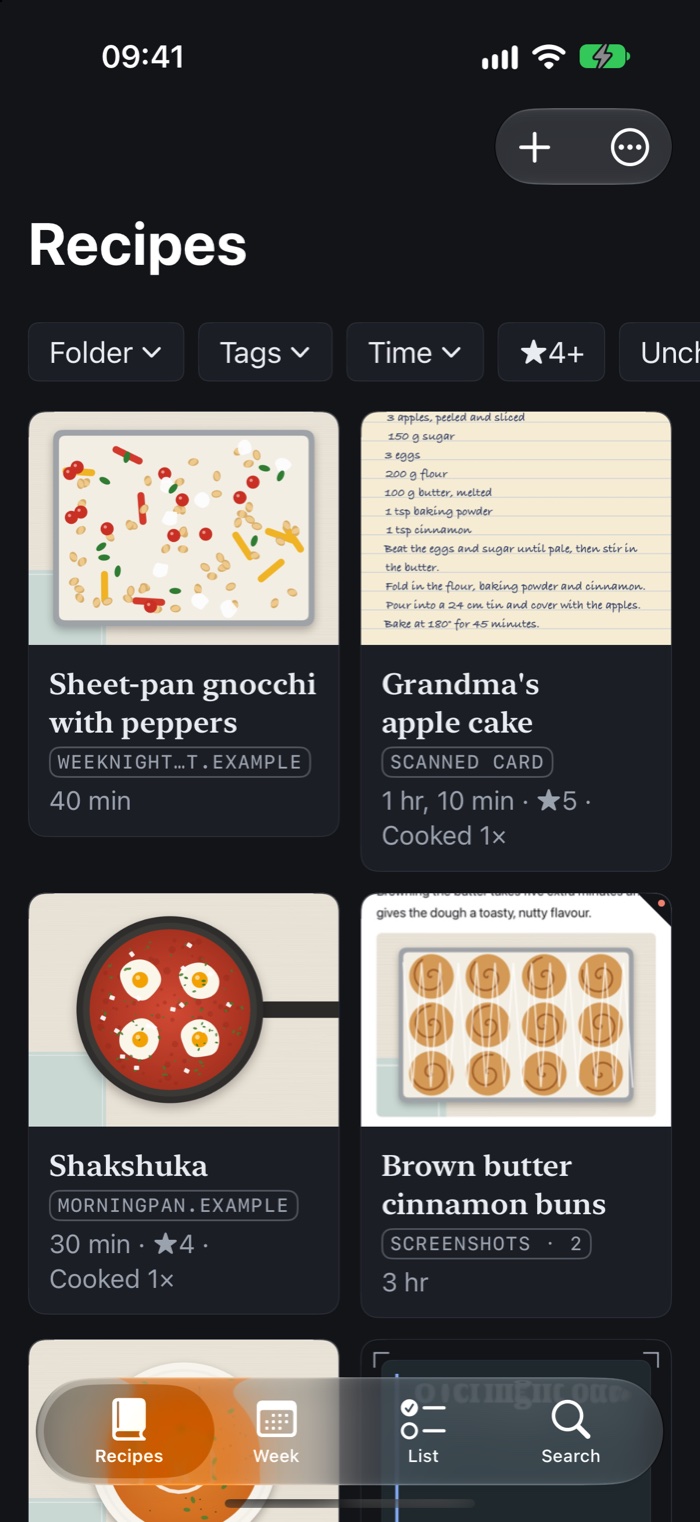
Less searching through tabs and camera rolls. More of the food you meant to make.
Share a recipe from Safari, choose screenshots, scan a cookbook page, paste text, or import a PDF.
Condita highlights missing or uncertain details for you to review. The saved original stays close by.
Organise with folders and tags. Find a favourite, add a note, and remember what you loved last time.
A missing amount should look missing. Condita shows gaps for you to check instead of inventing ingredients or instructions.
02 / Give dinner a little direction
Put the recipes you want to cook on your week. Build a shopping list from the plan, with ingredients brought together and their recipes still in view.
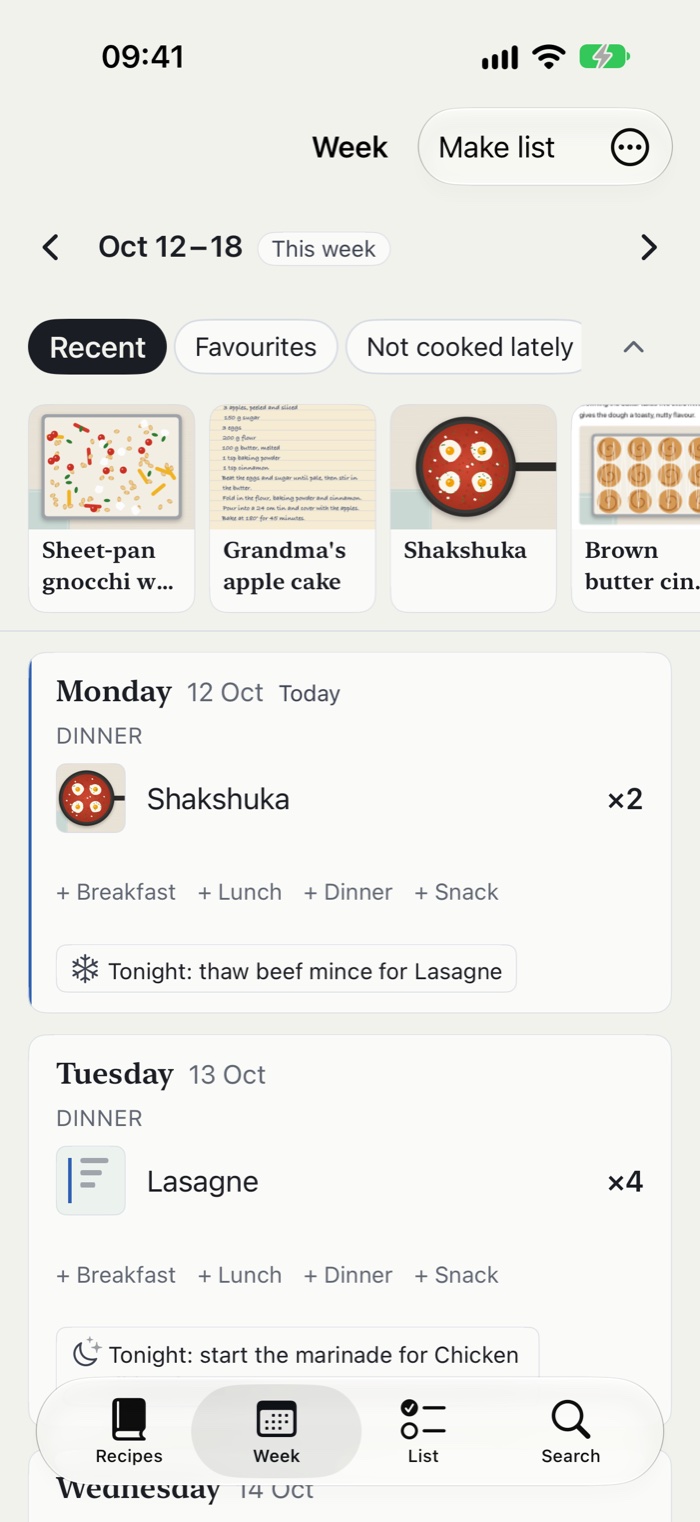
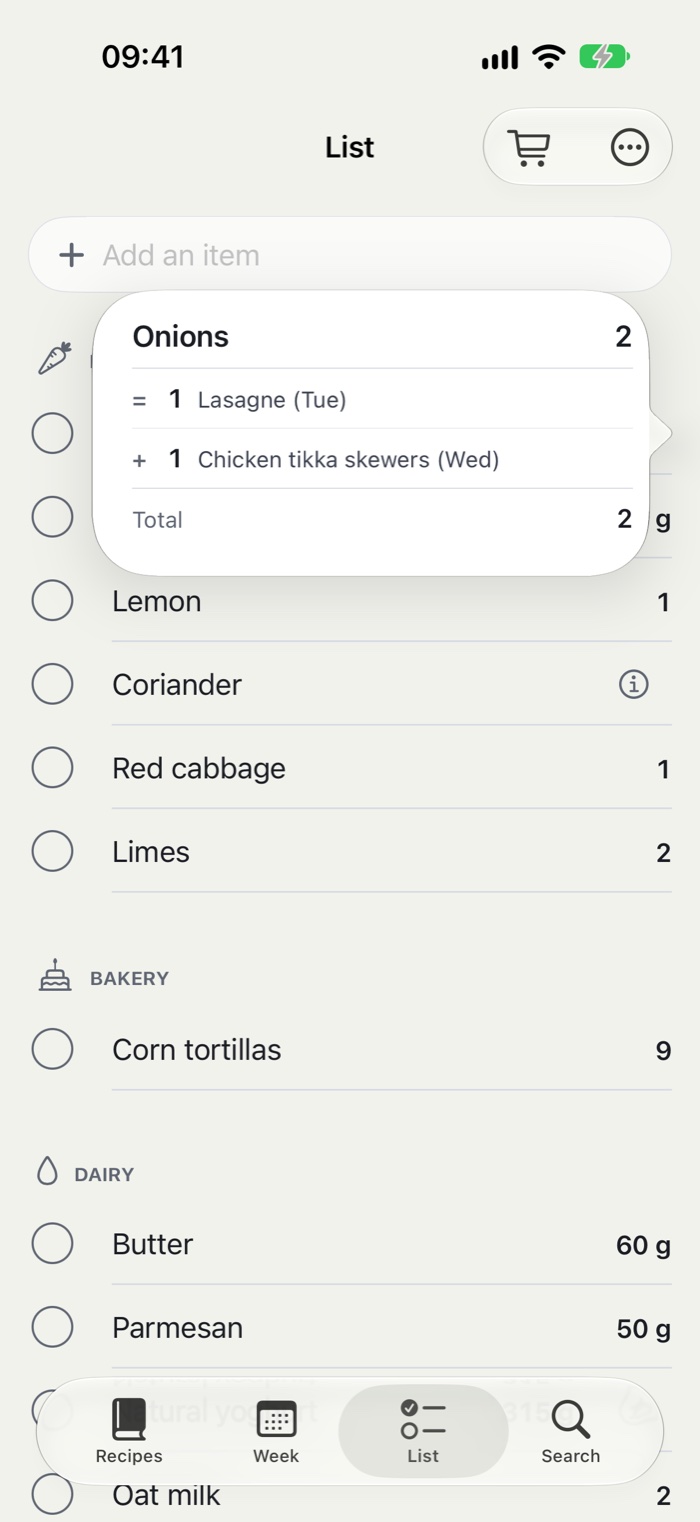
Example recipes shown in the app.
03 / From saved to served
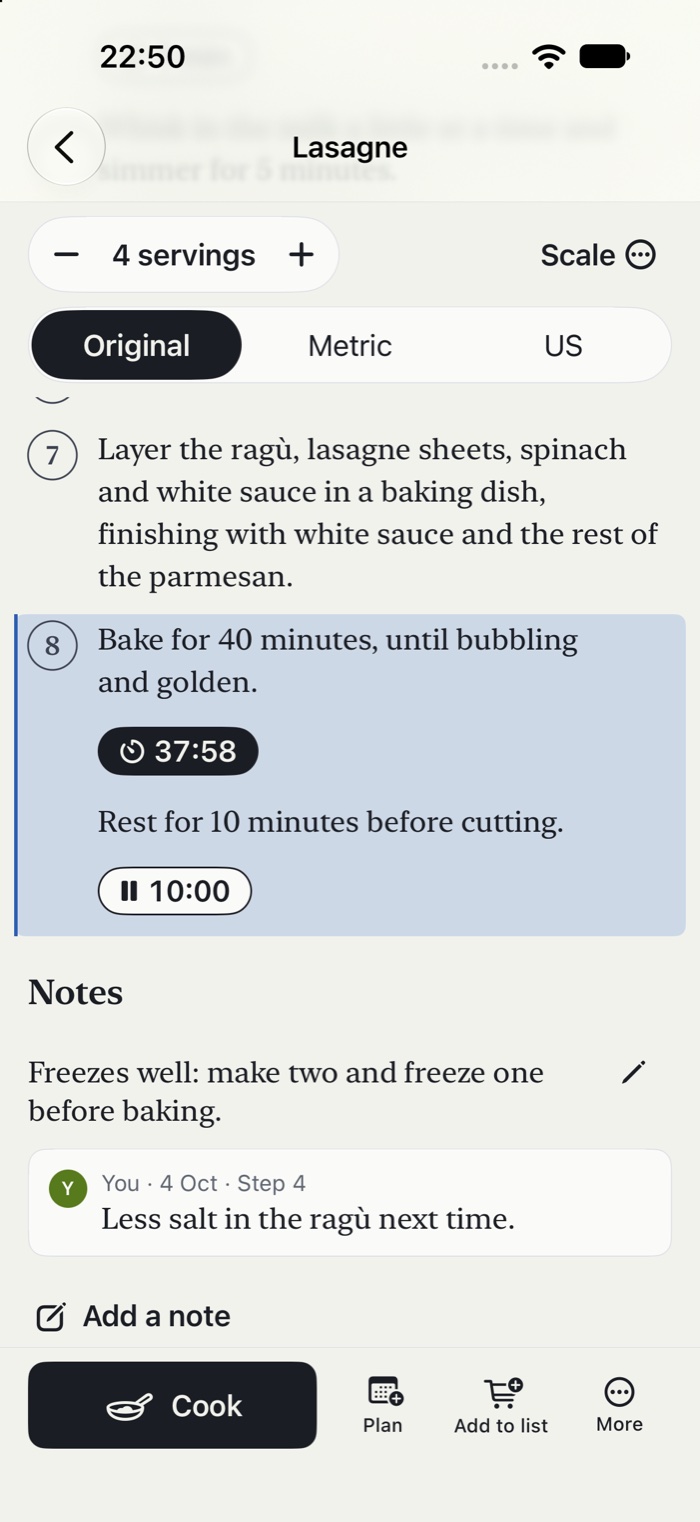
Adjust the servings, follow the steps, and keep timers beside the instructions. Add a note for the next time it comes around.
Recipe processing happens on your device. Use optional iCloud sync for your devices and shared books, and export your collection when you want a copy.
How Condita handles your information ↗A useful kitchen starts here
Free access includes unlimited recipes and imports, saved originals, this week and next, cook mode, timers, scaling, and export. Share a week and list with one person.
A little more with Condita Plus
Optional monthly or yearly subscription, or a one-time purchase. Available prices and offers appear in the app.
About Plus & purchases ↗A question about saving, sharing, or getting started?
Visit Condita support