 BIROTA
One glance.
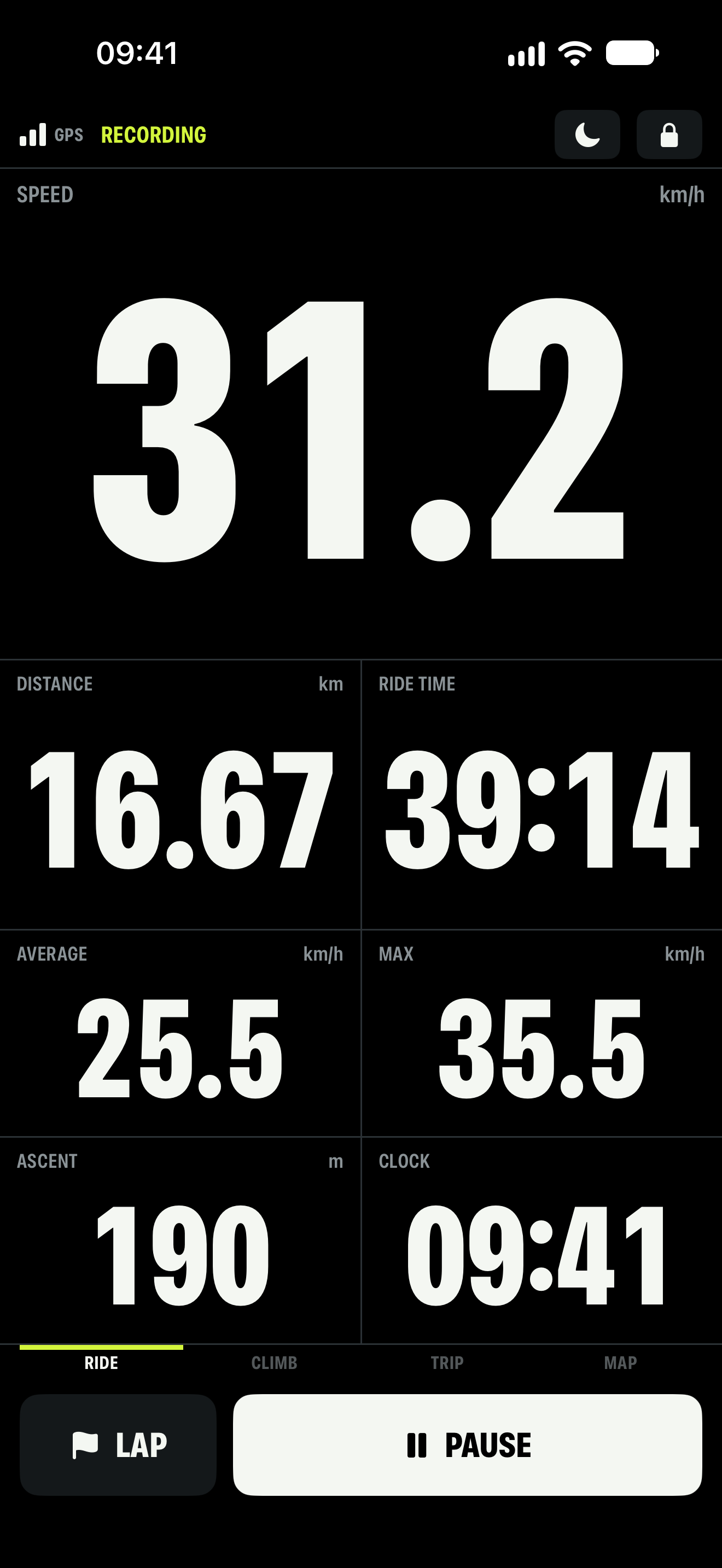
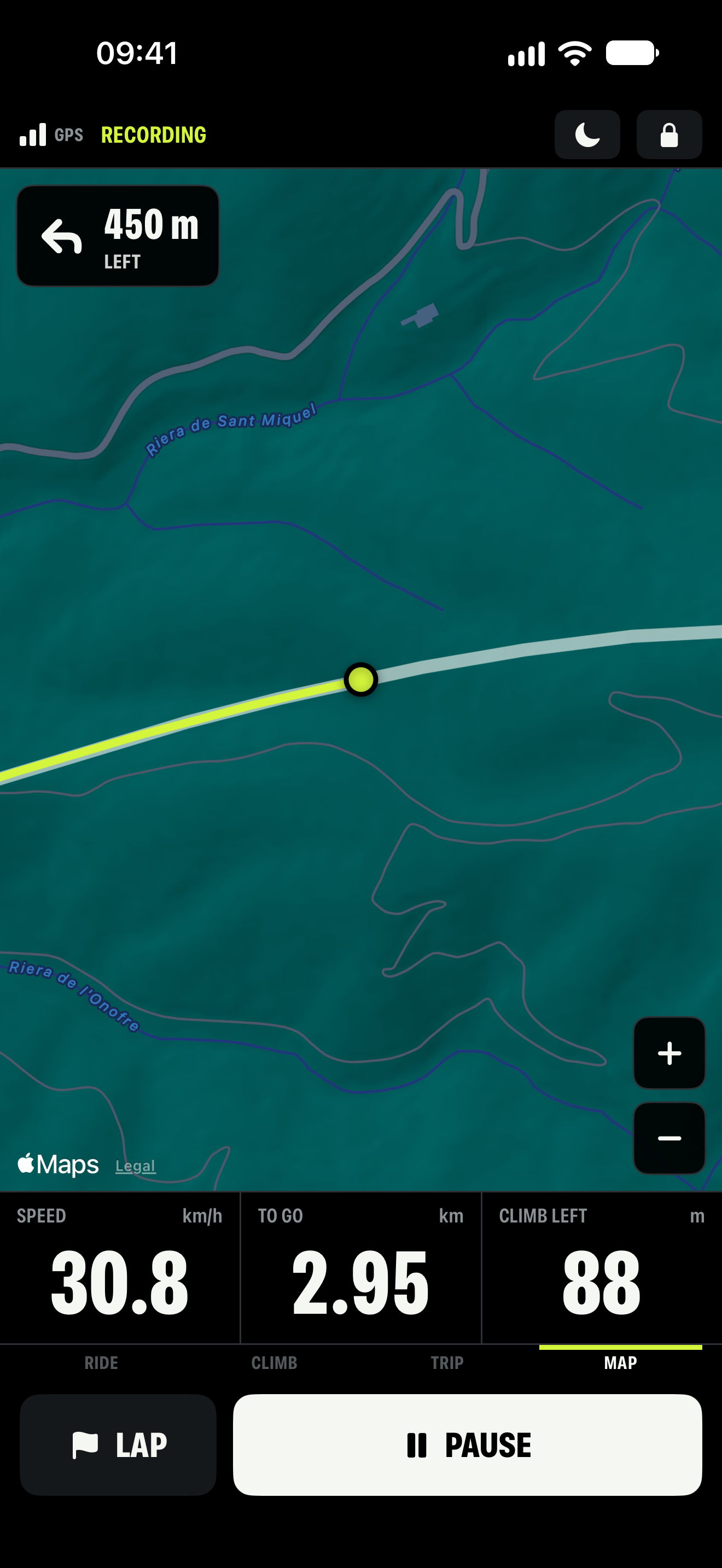
Four pages of clear, generous digits. Switch between Ride, Climb, Trip and Map, with day and night faces.
BIKE COMPUTER / FOR IPHONE
Speed. Distance. Climbing. A live map.
The numbers that matter, big enough for a glance.
iOS 17+ · No account · No ads
MADE FOR THE HANDLEBAR
Four pages of clear, generous digits. Switch between Ride, Climb, Trip and Map, with day and night faces.
Rain lock blocks stray taps. The eco screen dims the display to reduce its battery use. Set everything up before you roll.
Keep each ride with its map and totals. Export a GPX file, or choose to save your cycling workouts to Apple Health.
Speed, distance and ride time stay in view while a ride is recorded.
EXTEND YOUR INSTRUMENT / BIROTA PRO
Load a GPX route and follow it with turn alerts and off-course warnings. Check the route yourself: Birota follows its geometry, not live traffic or road restrictions.
Pair Bluetooth heart rate, cadence and power sensors. Build your own instrument pages and listen to spoken ride cues.
Explore detailed ride information and keep a garage with parts wear. One bike is included free; Pro adds more bikes and maintenance tracking.
Pro is offered weekly, yearly or as a one-time lifetime purchase. Recurring plans renew until cancelled. Apple shows the current price and any trial before you confirm.
Read the purchase terms ↗YOUR JOURNAL / ON YOUR IPHONE
There’s no Birota account to create and no AppBaron server receiving your rides. Your journal, route library and bike settings live on your iPhone.
Choose when to export a GPX file or connect Apple Health. The Privacy Policy explains those choices, maps, device backups and support messages.
Follow your data through a ride ↗BEFORE THE NEXT RIDE
Help with recording, GPS, sensors, routes and purchases.